
Decide which version you will actually use before assigning a lock slot. aiAllure’s FAQ describes locked capacity and downloading a local copy as separate ways to keep media available. Read the current capacity and displayed expiry for the items in your account.
Sort a small set of variations by use
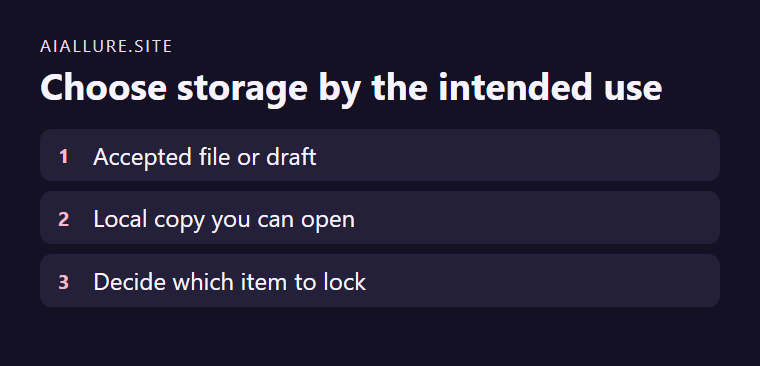
Imagine three original fictional landscape clips. One has the correct water reflection and belongs in the edit. One is a useful alternate. One misses the camera angle completely. Write their current names, intended destinations and any on-site need for each. Confirm that your local copy of the main clip plays from the beginning to the end.
If you need to revisit the alternate inside the service, make it a candidate for locking. The rejected clip can stay outside the keep list. Use the current interface’s indication that a specific item is locked and check the file type, since image and video capacity may be tracked separately.
Keep the record tied to actual file versions
A note such as “lake-shot-03, accepted local, alt-02 locked for later comparison” is easier to recover than “saved them all.” The retention policy and FAQ explain automatic cleanup of unlocked service media. A file you can open from your own storage serves a different purpose.
Before replacing a locked item, check what the current account shows and whether you have the copy you need. Use the slot for an asset that still has a job, rather than treating available capacity as a reason to keep every retry.